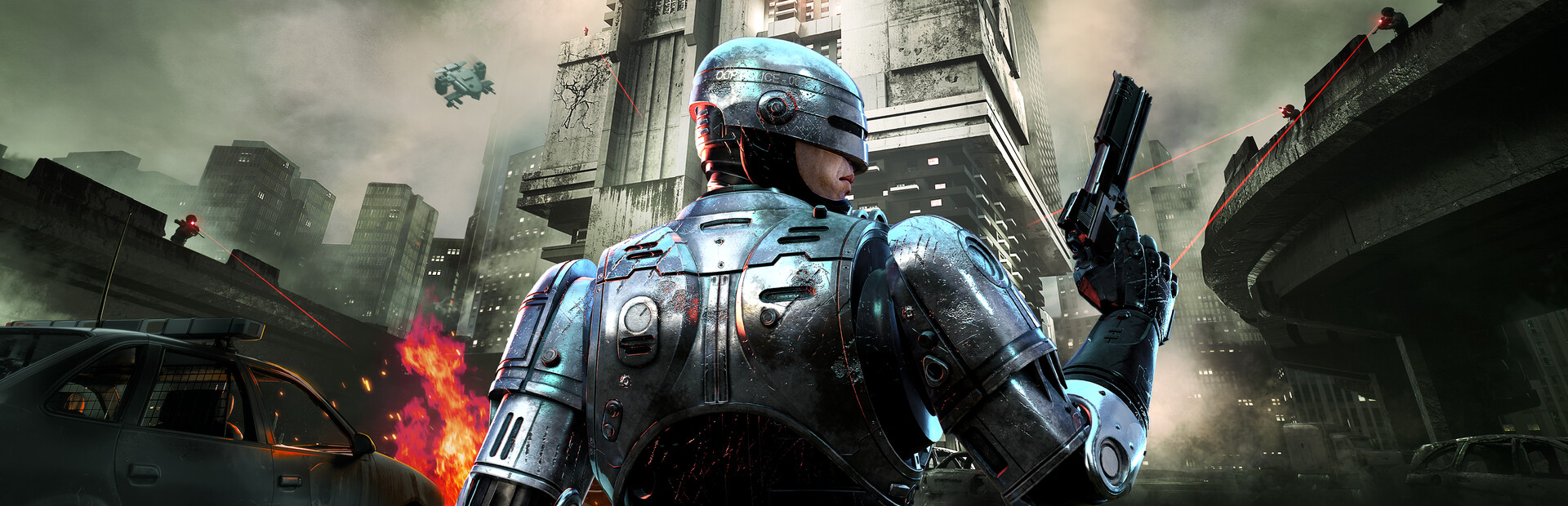
jbusfield's UEVR profile
pentru RoboCop: Rogue City - Unfinished Business · de jbusfield · eliberat 5 Aug 2025
Un cadru sau un injector reutilizabil care adaugă suport VR la unul sau mai multe jocuri. Un profil de comunitate pentru UEVR, injectorul universal pentru jocurile Unreal Engine. Instalați UEVR o dată, apoi încărcați acest profil pentru a juca acest joc în VR.
Note de la jbusfield
First Person Profile V1.03 - Fixed issues with subtitles not showing - Added more physical gestures - With "Full Physical Gestures + Buttons" or "Full Physical Gestures Only" enabled: - Punch (ED209 Stomp) - gun hand punch - Heal - non-gun hand to mouth and long grip - Switch weapons - gun hand straight down to your side and grip - Reload - non-gun hand near your gun hand and grip - Scan - non-gun hand to the side of your head and grip - Bullet time - non-gun hand to the side of your head and trigger - Night vision - non-gun hand in front of your eyes and grip - Flash Bang - non-gun hand in front of your eyes and trigger - Grab Gun, Grab Chair, Open Door, etc - gun hand grip while pointing at the item - Throw gripped item - gun hand punch while gripping item Features include: - Full 1st person 6DOF Motion controls - Optional visible hands - Optional physical gestures modes - Working scopes on scoped weapons. Scopes can be zoomed and brightness adjusted - Adjust zoom with right stick forward/backward while scope is close to your eye - Adjust brightness with left dpad pressed and right stick forward/backward while scope is close to your eye - Option to attach the UI to head movement or lock it to the direction the gun is pointing - Check out the "RoboCop Config" tab in UEVR for all available options
Obțineți-l de la site-ul oficial
Gratuit
Descărcările au loc pe pagina proprie a creatorului. PCVR Central nu regăzduiește niciodată fișierele.
Instalarea unui profil UEVR
Fiecare profil UEVR se instalează în același mod. Dacă ai folosit unul, tu le-au folosit pe toate.
- Instalați UEVR în sine de pe uevr.io. Este gratuit, și asta este un program separat de profil: profilul este doar setări.
- Descărcați profilul de pe pagina creatorului de mai sus. Este un
.zip. - Începe jocul, apoi deschide interfața UEVR și selectează jocul proces din listă.
- Importă profilul cu opțiunea de import a interfeței. UEVR păstrează
setări per joc în
%APPDATA%\UnrealVRMod\<game executable name>. - Injectați. Odată ce vă aflați în VR, apăsați
Insert(sauL3+R3pe un controler) pentru a deschide meniul din joc și pentru a ajusta orice arată greșit.
Dacă un profil se comportă prost, șterge folderul jocului de sub
%APPDATA%\UnrealVRMod\ și importați-l din nou de la zero.
Prezentarea video a acelorași pași:
Detalii complete
- VR implementare
- VR Cadru / Injector
- Platforme
- PCVR
- Cadru
- Profilul UEVR
- Preţ
- Gratuit
- Comenzi de mișcare
- Comenzi complete de mișcare
- 6DOF tintiti
- Da
- Scara camerei
- Necunoscut
- Stângaci
- Necunoscut
- Perspectivă
- Necunoscut
- VR runtime
- OpenXR și OpenVR
- Căști testate
- Niciunul nu a fost raportat încă
- Vitrinele magazinelor testate
- Niciunul nu a fost raportat încă
- Dificultatea de instalare
- Uşor instalați
- Cerințe
- UEVR (praydog's Unreal Engine VR injector), SteamVR or another OpenXR runtime
- Versiunea jocului a fost testată
- Necunoscut
- Ultima verificare
- Nu
- Sursă
- site-ul oficial
Recenziile jucătorilor
Opinia jucătorului, separată de eticheta de calitate de mai sus. Acea etichetă este lectura noastră despre ceea ce face o metodă; acestea sunt experiența altor oameni de a-l conduce efectiv.
Ați găsit o problemă sau ați jucat singur?
Prospețimea depinde de rapoartele de la persoanele care au condus-o de fapt.