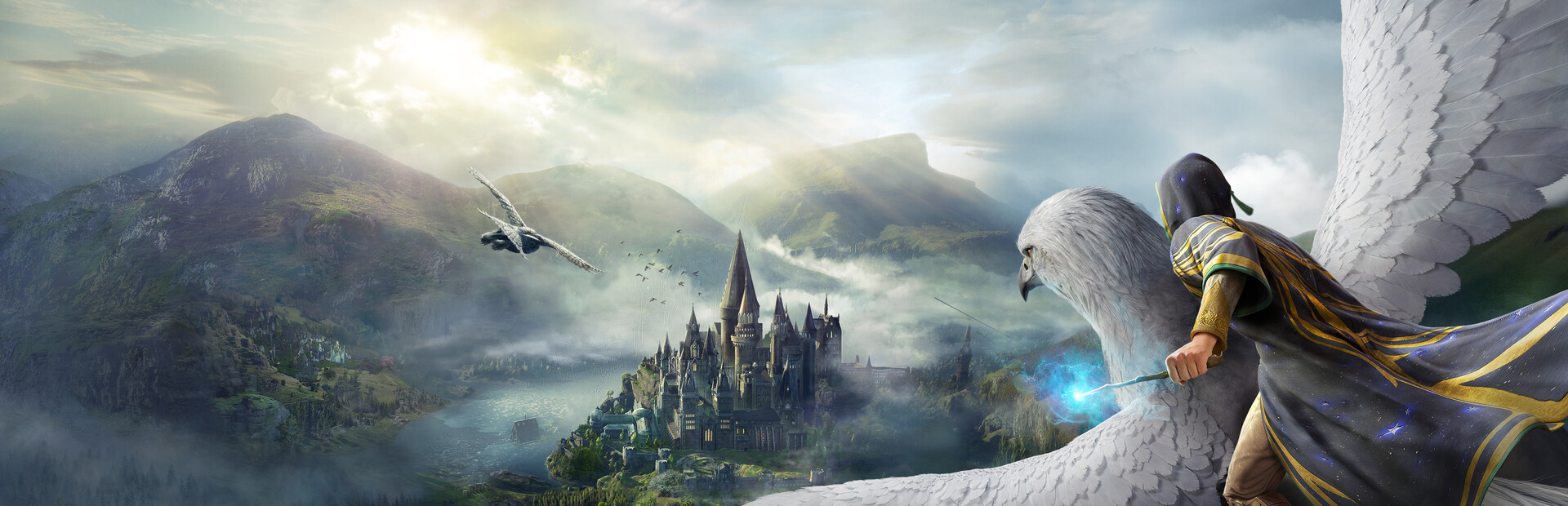

iliketostayanonymous' UEVR profile
pentru {joc} · de {autor} · lansat {data}
Un cadru sau un injector reutilizabil care adaugă suport VR la unul sau mai multe jocuri. Un profil de comunitate pentru UEVR, injectorul universal pentru jocurile Unreal Engine. Instalați UEVR o dată, apoi încărcați acest profil pentru a juca acest joc în VR.
Note de la {autor}
1st Person Mode w/ Persistent Wand motion control IMPORTANT: make sure you are on UEVR version 1.02 BETA or above, the game crashes on earlier versions IMPORT the profile BEFORE injecting. If you inject first, the profile won’t update your game instantly, instead you will have to go UEVR -> uObjects tab -> Reload persistent states OR just quit game and restart. IF when you load the game you are in third person or can see your body, open UEVR, enable advanced options, and go to “Config” and check “Enable at start up” - Tried to replicate the angle at which you hold a wand, if someone improves on the alignment, please share! - Follow UI is turned on, it looks better visually, however, if you hold LT to aim, your projectile won't go where your crosshair is, if you prefer accuracy, go to "Runtime" tab in UEVR and uncheck "Follow UI", you will have to move the UI with right stick - Your body should be completely invisible, I have fixed it here so that you no longer have to do anything manually - Your wand only appears in combat, press RT and your wand will appear, you can use spells like Lumos and the light will follow your wand You cannot aim with your hand/head using this profile, no one has got this to work yet
Obțineți-l de la site-ul oficial
Gratuit
Descărcările au loc pe pagina proprie a creatorului. PCVR Central nu regăzduiește niciodată fișierele.
Instalarea unui profil UEVR
Fiecare profil UEVR se instalează în același mod. Dacă ai folosit unul, tu le-au folosit pe toate.
- Instalați UEVR în sine de pe uevr.io. Este gratuit, și asta este un program separat de profil: profilul este doar setări.
- Descărcați profilul de pe pagina creatorului de mai sus. Este un
.zip. - Începe jocul, apoi deschide interfața UEVR și selectează jocul proces din listă.
- Importă profilul cu opțiunea de import a interfeței. UEVR păstrează
setări per joc în
%APPDATA%\UnrealVRMod\<game executable name>. - Injectați. Odată ce vă aflați în VR, apăsați
Insert(sauL3+R3pe un controler) pentru a deschide meniul din joc și pentru a ajusta orice arată greșit.
Dacă un profil se comportă prost, șterge folderul jocului de sub
%APPDATA%\UnrealVRMod\ și importați-l din nou de la zero.
Prezentarea video a acelorași pași:
Detalii complete
- VR implementare
- VR Cadru / Injector
- Platforme
- PCVR
- Cadru
- Profilul UEVR
- Preţ
- Gratuit
- Comenzi de mișcare
- Necunoscut
- 6DOF tintiti
- Nu
- Scara camerei
- Necunoscut
- Stângaci
- Necunoscut
- Perspectivă
- Necunoscut
- VR runtime
- OpenXR și OpenVR
- Căști testate
- Niciunul nu a fost raportat încă
- Vitrinele magazinelor testate
- Niciunul nu a fost raportat încă
- Dificultatea de instalare
- {dificultate} instalare
- Cerințe
- UEVR (praydog's Unreal Engine VR injector), SteamVR or another OpenXR runtime
- Versiunea jocului a fost testată
- Necunoscut
- Ultima verificare
- Nu
- Sursă
- site-ul oficial
Recenziile jucătorilor
Opinia jucătorului, separată de eticheta de calitate de mai sus. Acea etichetă este lectura noastră despre ceea ce face o metodă; acestea sunt experiența altor oameni de a-l conduce efectiv.
Ați găsit o problemă sau ați jucat singur?
Prospețimea depinde de rapoartele de la persoanele care au condus-o de fapt.