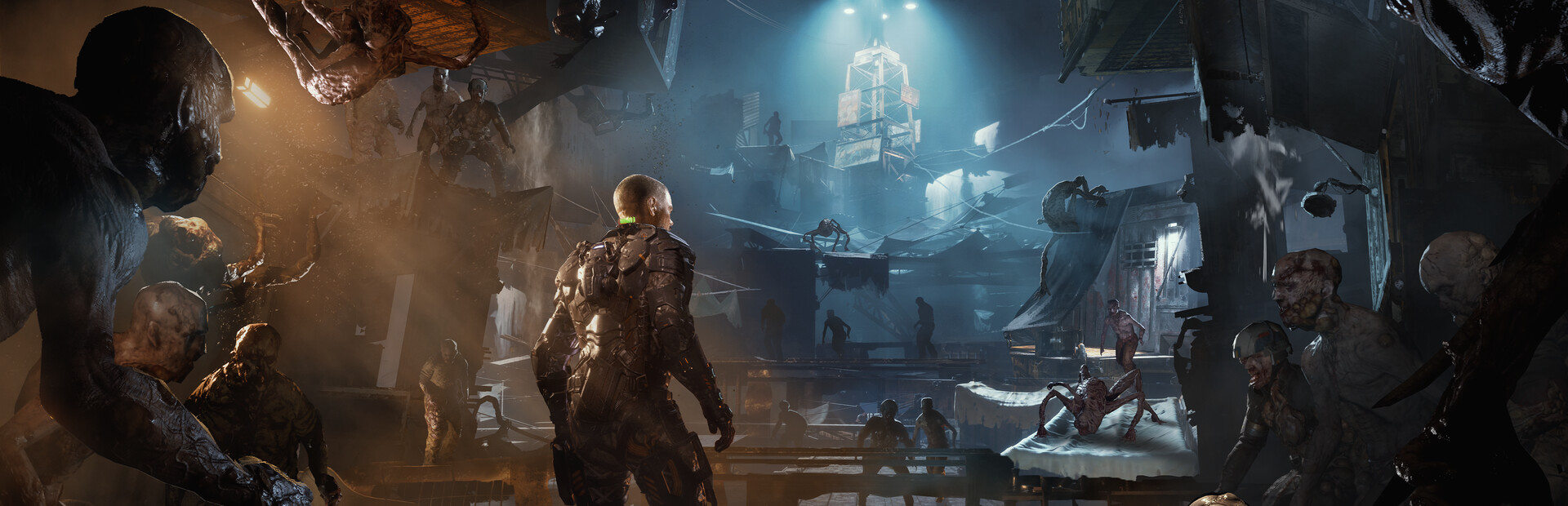

mitch103's UEVR profile
dla The Callisto Protocol™ · przez mitch103 · wydany 29 Feb 2024
Framework lub wtryskiwacz wielokrotnego użytku, który dodaje obsługę VR do jednej lub więcej gier. Profil społecznościowy dla UEVR, uniwersalnego wtryskiwacza dla gier Unreal Engine. Instalujesz UEVR raz, następnie ładujesz ten profil, aby zagrać w tę grę w VR.
Notatki od mitch103
- This is a first person POV config - World scale is adjusted to compensate for the change in view point but can be reset or further adjusted in VR/Unreal tab. - I didn't realize before I exported it that the resolution scale is bumped up to like 1.2ish so adjust it accordingly, also some cvars may be different than your current ones so be sure to take note of that, as I had it set on what looked good with my hardware and in-game settings. - I would definitely recommend however: r.DefaultFeature.AntiAliasing be set to 2 and r.Tonemapper.Sharpen be raised to at least 6, if not all the way to 10 - In the camera tab you'll want everything set to 0. The adjustments are made in the UObjectHook/Main tab in the Attached Camera Object directory. - When crawling in vents, the 1 Key (above Q, not numberpad) sets the camera where it needs to be. Then right as you crawl out pull up the uevr menu, hold right trigger, and press x, y, and b one at a time to reset everything. - The health meter is left on and visible but sets a little behind the camera, however you can view it by aiming the gun in front of you and down to see it to check your health and GRP charge. - The crosshair is bound to the in game overlay, and can thus be adjusted around in the VR/Runtime tab @ UI Offset. Also, if you'd like the cross hair to be unattached from your gun and instead follow your headset, check the "UI Follows View" box.
Pobierz to z: oficjalna strona
Bezpłatny
Pobieranie odbywa się na stronie twórcy. PCVR Central nigdy nie udostępnia ponownie plików.
Instalowanie profilu UEVR
Każdy profil społeczności UEVR instaluje się w ten sam sposób. Jeśli go użyłeś, ty użyłem ich wszystkich.
- Zainstaluj sam UEVR z uevr.io. Jest darmowy i tyle jest programem odrębnym od profilu: profil to tylko ustawienia.
- Pobierz profil ze strony twórcy, do której link znajduje się powyżej. To jest
.zip. - Uruchom grę, następnie otwórz interfejs UEVR i wybierz grę proces z listy.
- Zaimportuj profil z opcją importu frontendu. UEVR utrzymuje
ustawienia poszczególnych gier w
%APPDATA%\UnrealVRMod\<game executable name>. - Wstrzyknij. Gdy znajdziesz się w VR, naciśnij
Insert(lubL3+R3na kontrolerze) aby otworzyć menu w grze i dostosować wszystko, co wygląda nieprawidłowo.
Jeżeli profil zachowuje się nieprawidłowo, usuń folder z tą grą
%APPDATA%\UnrealVRMod\ i zaimportuj go ponownie od zera.
Film instruktażowy tych samych kroków:
Pełne szczegóły
- Implementacja VR
- VR Rama/wtryskiwacz
- Platformy
- PCVR
- Struktura
- Profil UEVR
- Cena
- Bezpłatny
- Sterowanie ruchem
- Nieznany
- 6DOF celuj
- Nieznany
- Skala pokoju
- Nieznany
- Leworęczny
- Nieznany
- Perspektywiczny
- Nieznany
- VR środowisko wykonawcze
- OpenXR i OpenVR
- Testowane zestawy słuchawkowe
- Nie zgłoszono jeszcze żadnego
- Testowane witryny sklepowe
- Nie zgłoszono jeszcze żadnego
- Zainstaluj poziom trudności
- Łatwy zainstaluj
- Wymagania
- UEVR (praydog's Unreal Engine VR injector), SteamVR or another OpenXR runtime, UEVR
- Testowana wersja gry
- Nieznany
- Ostatnio zweryfikowane
- Nigdy
- Źródło
- oficjalna strona
Recenzje graczy
Opinia gracza niezależna od powyższej etykiety jakości. Ta etykieta jest naszym odczytaniem tego, co robi metoda; są to doświadczenia innych osób związane z faktycznym uruchamianiem tego programu.
Zauważyłeś problem lub sam w to grałeś?
Świeżość zależy od raportów osób, które faktycznie ją prowadziły.