chapeka's UEVR profile
dla {gry} · autor: {autor} · wydany {data}
Framework lub wtryskiwacz wielokrotnego użytku, który dodaje obsługę VR do jednej lub więcej gier. Profil społecznościowy dla UEVR, uniwersalnego wtryskiwacza dla gier Unreal Engine. Instalujesz UEVR raz, następnie ładujesz ten profil, aby zagrać w tę grę w VR.
Notatki od {autora}
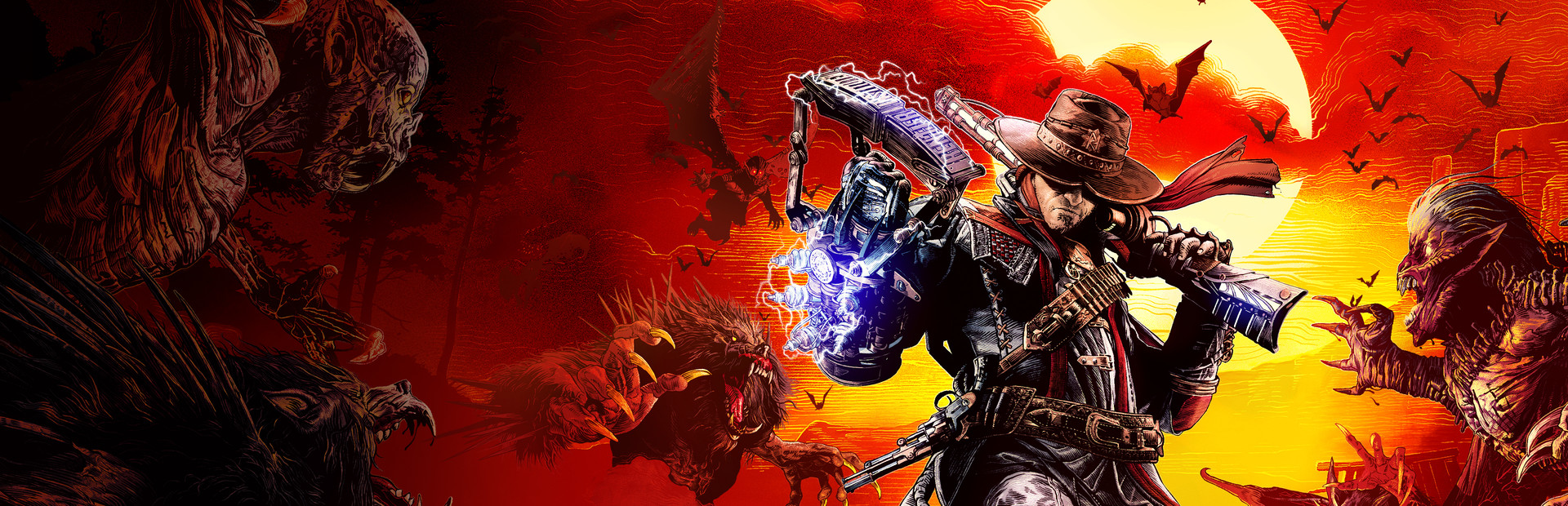
3rd person but with the UI adjusted so that you can aim properly. The resolution slider is a bit high for those without a 4090. - Make sure you disable all aim assist stuff in the game menu. - Turn off all post processing, effects and motion blur. The effects and post processing get rid of all that fog. There's a couple issues: For some reason after loading the preset into the game and starting the game up, it won't switch to my first person 6DOF settings until you bring up the UEVR menu. Once you bring it up and click through the menu a bit, it will go into First Person 6DOF mode upon exit. So strange. Also, I found the revolver in children and attached it to the right hand, but even after saving the state, it doesn't seem to stick with the preset. Each time I load it up, I have to go back in and re-attach it. The same isn't said for the right arm (zapper) and left arm (gauntlet). Those have stayed attached with the save. Another thing is that forward movement often stalls out and character get stuck. Moving the right thumbstick in a different direction changes "un-sticks" the player, so being stuck is never permanent. But it means you're always kind of having to move slightly side to side while you're walking. Funny "TOY" Mod.
Pobierz to z: oficjalna strona
Bezpłatny
Pobieranie odbywa się na stronie twórcy. PCVR Central nigdy nie udostępnia ponownie plików.
Instalowanie profilu UEVR
Każdy profil społeczności UEVR instaluje się w ten sam sposób. Jeśli go użyłeś, ty użyłem ich wszystkich.
- Zainstaluj sam UEVR z uevr.io. Jest darmowy i tyle jest programem odrębnym od profilu: profil to tylko ustawienia.
- Pobierz profil ze strony twórcy, do której link znajduje się powyżej. To jest
.zip. - Uruchom grę, następnie otwórz interfejs UEVR i wybierz grę proces z listy.
- Zaimportuj profil z opcją importu frontendu. UEVR utrzymuje
ustawienia poszczególnych gier w
%APPDATA%\UnrealVRMod\<game executable name>. - Wstrzyknij. Gdy znajdziesz się w VR, naciśnij
Insert(lubL3+R3na kontrolerze) aby otworzyć menu w grze i dostosować wszystko, co wygląda nieprawidłowo.
Jeżeli profil zachowuje się nieprawidłowo, usuń folder z tą grą
%APPDATA%\UnrealVRMod\ i zaimportuj go ponownie od zera.
Film instruktażowy tych samych kroków:
Pełne szczegóły
- Implementacja VR
- VR Rama/wtryskiwacz
- Platformy
- PCVR
- Struktura
- Profil UEVR
- Cena
- Bezpłatny
- Sterowanie ruchem
- Nieznany
- 6DOF celuj
- Tak
- Skala pokoju
- Nieznany
- Leworęczny
- Nieznany
- Perspektywiczny
- Nieznany
- VR środowisko wykonawcze
- OpenXR i OpenVR
- Testowane zestawy słuchawkowe
- Nie zgłoszono jeszcze żadnego
- Testowane witryny sklepowe
- Nie zgłoszono jeszcze żadnego
- Zainstaluj poziom trudności
- {trudność} instalacja
- Wymagania
- UEVR (praydog's Unreal Engine VR injector), SteamVR or another OpenXR runtime
- Testowana wersja gry
- Nieznany
- Ostatnio zweryfikowane
- Nigdy
- Źródło
- oficjalna strona
Recenzje graczy
Opinia gracza niezależna od powyższej etykiety jakości. Ta etykieta jest naszym odczytaniem tego, co robi metoda; są to doświadczenia innych osób związane z faktycznym uruchamianiem tego programu.
Zauważyłeś problem lub sam w to grałeś?
Świeżość zależy od raportów osób, które faktycznie ją prowadziły.