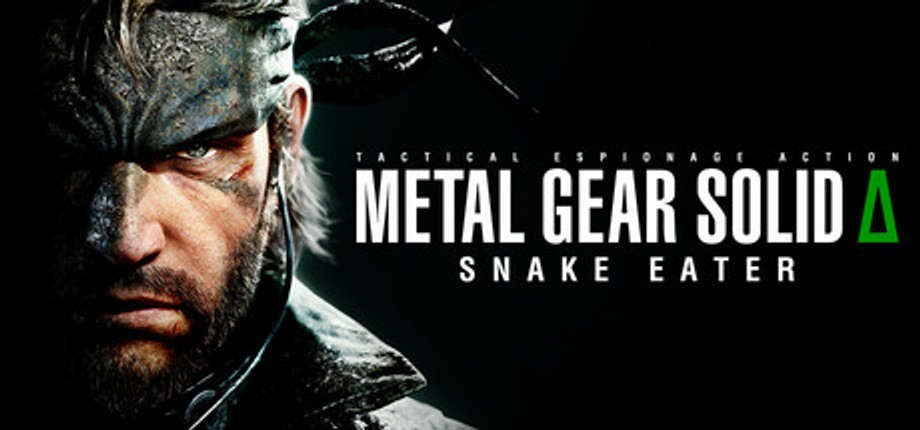
Holydh's UEVR profile
Metal Gear Solid Delta: Snake Eater용 · 작성자: Holydh · 3 Dec 2025 출시됨
하나 이상의 게임에 VR 지원을 추가하는 재사용 가능한 프레임워크 또는 인젝터입니다. Unreal Engine 게임용 범용 인젝터인 UEVR의 커뮤니티 프로필입니다. UEVR을 한 번 설치한 다음 이 프로필을 로드하면 VR에서 이 게임을 플레이할 수 있습니다.
Holydh의 메모
6DOF Profile - v1.1 Mod page: https://www.nexusmods.com/metalgearsoliddeltasnakeeater/mods/167 - Attempt to fix rare crash occuring on death - Roomscale Stance added. Snake will follow your IRL Stance (Stand, Squat, Crawl). Game should be completely playable in Roomscale now. Need to be enabled in the mod menu. Height values to trigger the stances can be tweaked in the mod menu. - Added - VR cursor integration for the custom Imgui menu - Fixed - Various camera issues - Improved - Camera movements fine tuned - Added - More camera settings - Added - Scope for Mosin, Dragnov and RPG (activates when aiming) - Added - Snipers Scope zoom function binded to Right Joystick up/down - Added - Descriptive tooltips on the imgui mod menu settings - Added - Scope view resolution setting - Added - Scope toggle setting - Added - rotation deadzone slider setting - Added - Attach camera to snake head setting (not recommended for people sensitive to motion sickness) - Added - Animated Hands with custom poses for each weapons and items - Added - Special hand pose, animation and interaction for food objects - Fixed - Hands now correctly display the right 3D model and materials when changing camo including the stealth item. - Fixed - Bridged the dumped SDK functions to UEVR sdk. This should make the mod "update proof". No more mod breaking game updates. - Added - Transition system to automatically switch from 6DOF to Snake hands visuals when using melee attacks or for special actions like CQC grabs. - Improved - Hands objects lifecycle - Fixed - Some weapon visibility when using the ingame 1st person view - Fixed - Some weapon visibility when swapping weapons - Fixed - Hands alignements on unequip weapon - Fixed - Hand animations when using knife melee weapons - Fixed - Thermal and Nightvision goggles post processing effects - Added - Scanline toggle setting for thermal vision post processing - Fixed - Camera yaw input blocked when using the weapon UI - Fixed - Camera placement when using Carboards items - Added - Cutout screen setting added for cutscenes and menus - Added - 3D cutscenes and menus (not compatible with every hmd and link softwares) - Added - Automatically disable roomscale movement during some actions like peeping a corner and cqc grabs - Added - Stand tall function remaped to the new camera controller
공식 사이트에서 가져오기
무료
다운로드는 제작자의 페이지에서 이루어집니다. PCVR Central는 파일을 다시 호스팅하지 않습니다.
UEVR 프로필 설치
모든 커뮤니티 UEVR 프로필은 동일한 방식으로 설치됩니다. 한 번이라도 사용해 본 적이 있다면, 모두 사용했습니다.
- uevr.io에서 UEVR 자체를 설치합니다. 그것은 무료이며, 프로필과 별도의 프로그램입니다. 프로필은 단지 설정일 뿐입니다.
- 위에 링크된 크리에이터 페이지에서 프로필을 다운로드하세요.
.zip입니다. - 게임을 시작한 다음 UEVR 프런트엔드를 열고 게임의 목록에서 프로세스를 수행합니다.
- 프런트엔드의 가져오기 옵션을 사용하여 프로필을 가져옵니다. UEVR은 계속
%APPDATA%\UnrealVRMod\<game executable name>의 게임별 설정입니다. - 주입. VR에 들어가면
Insert(또는 컨트롤러의L3+R3)을 누릅니다. 게임 내 메뉴를 열고 잘못된 부분을 조정하세요.
프로필이 오작동하는 경우 해당 게임 폴더를 삭제하세요.
%APPDATA%\UnrealVRMod\ 처음부터 다시 가져옵니다.
동일한 단계에 대한 비디오 연습:
전체 세부정보
플레이어 리뷰
플레이어 의견은 위의 품질 라벨과 별개입니다. 그 라벨은 메소드가 하는 일을 읽는 것입니다. 이것은 실제로 실행한 다른 사람들의 경험입니다.
문제를 발견했거나 직접 플레이해 보셨나요?
신선도는 실제로 실행한 사람들의 보고에 따라 달라집니다.