
mitch103's UEVR profile
{oyun} için · {yazar} tarafından · {tarih} yayınlandı
Bir veya daha fazla oyuna VR desteği ekleyen yeniden kullanılabilir bir çerçeve veya enjektör. Unreal Engine oyunları için evrensel enjektör olan UEVR için bir topluluk profili. UEVR'yi bir kez yüklersiniz, ardından bu oyunu VR'de oynamak için bu profili yüklersiniz.
mitch103'dan notlar
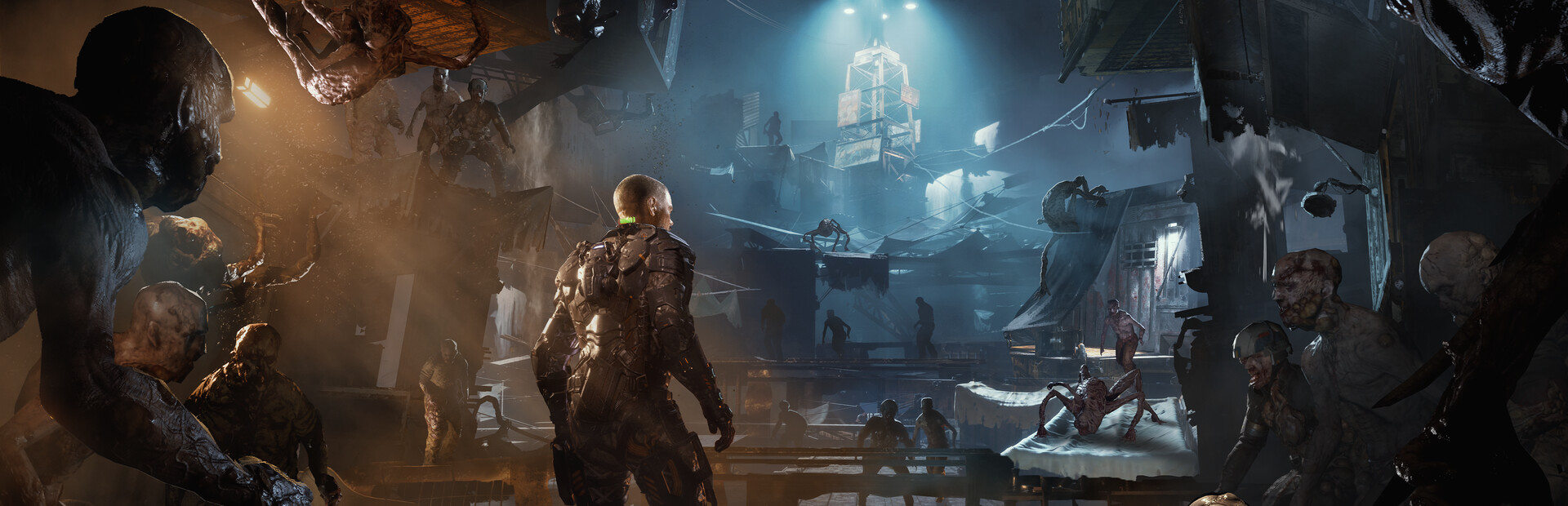
- This is a first person POV config - World scale is adjusted to compensate for the change in view point but can be reset or further adjusted in VR/Unreal tab. - I didn't realize before I exported it that the resolution scale is bumped up to like 1.2ish so adjust it accordingly, also some cvars may be different than your current ones so be sure to take note of that, as I had it set on what looked good with my hardware and in-game settings. - I would definitely recommend however: r.DefaultFeature.AntiAliasing be set to 2 and r.Tonemapper.Sharpen be raised to at least 6, if not all the way to 10 - In the camera tab you'll want everything set to 0. The adjustments are made in the UObjectHook/Main tab in the Attached Camera Object directory. - When crawling in vents, the 1 Key (above Q, not numberpad) sets the camera where it needs to be. Then right as you crawl out pull up the uevr menu, hold right trigger, and press x, y, and b one at a time to reset everything. - The health meter is left on and visible but sets a little behind the camera, however you can view it by aiming the gun in front of you and down to see it to check your health and GRP charge. - The crosshair is bound to the in game overlay, and can thus be adjusted around in the VR/Runtime tab @ UI Offset. Also, if you'd like the cross hair to be unattached from your gun and instead follow your headset, check the "UI Follows View" box.
resmi site adresinden alın
Özgür
İndirmeler yaratıcının kendi sayfasında gerçekleşir. PCVR Central hiçbir zaman dosyaları yeniden barındırmaz.
UEVR profilini yükleme
Her topluluk UEVR profili aynı şekilde yüklenir. Eğer birini kullandıysanız, hepsini kullanmışızdır.
- uevr.io'dan UEVR'nin kendisini yükleyin. Ücretsizdir ve profilden ayrı bir programdır: profil yalnızca ayarlardır.
- Profili yaratıcının yukarıda bağlantısı verilen sayfasından indirin. Bu bir
.zip. - Oyunu başlatın, ardından UEVR ön ucunu açın ve oyunun listeden işlem yapın.
- Profili içe aktarın ön ucun içe aktarma seçeneğiyle. UEVR tutar
%APPDATA%\UnrealVRMod\<game executable name>'deki oyun başına ayarlar. - Enjekte edin. VR'ye girdikten sonra
Insert(veya kontrol cihazındaL3+R3) tuşuna basın. Oyun içi menüyü açmak ve yanlış görünen herhangi bir şeyi ayarlamak için.
Bir profil hatalı davranırsa oyunun altındaki klasörü silin.
%APPDATA%\UnrealVRMod\ ve sıfırdan tekrar içe aktarın.
Aynı adımların video anlatımı:
Tüm ayrıntılar
- VR uygulaması
- VR Çerçeve / Enjektör
- Platformlar
- PCVR
- Çerçeve
- UEVR profili
- Fiyat
- Özgür
- Hareket kontrolleri
- Bilinmiyor
- 6DOF hedef al
- Bilinmiyor
- Oda ölçeğinde
- Bilinmiyor
- Solak
- Bilinmiyor
- Perspektif
- Bilinmiyor
- VR çalışma zamanı
- OpenXR & OpenVR
- Kulaklıklar test edildi
- Henüz raporlanmadı
- Vitrinler test edildi
- Henüz raporlanmadı
- Kurulum zorluğu
- {zorluk} kurulum
- Gereksinimler
- UEVR (praydog's Unreal Engine VR injector), SteamVR or another OpenXR runtime, UEVR
- Oyun sürümü test edildi
- Bilinmiyor
- Son doğrulandı
- Asla
- Kaynak
- resmi site
Oyuncu incelemeleri
Oyuncu görüşleri, yukarıdaki kalite etiketinden ayrıdır. Bu etiket, bir yöntemin ne yaptığına ilişkin okumamızdır; bunlar diğer insanların onu gerçekten çalıştırma konusundaki deneyimleridir.
Bir sorun mu fark ettiniz veya bunu kendiniz mi oynadınız?
Tazelik, onu gerçekten çalıştıran kişilerin raporlarına bağlıdır.