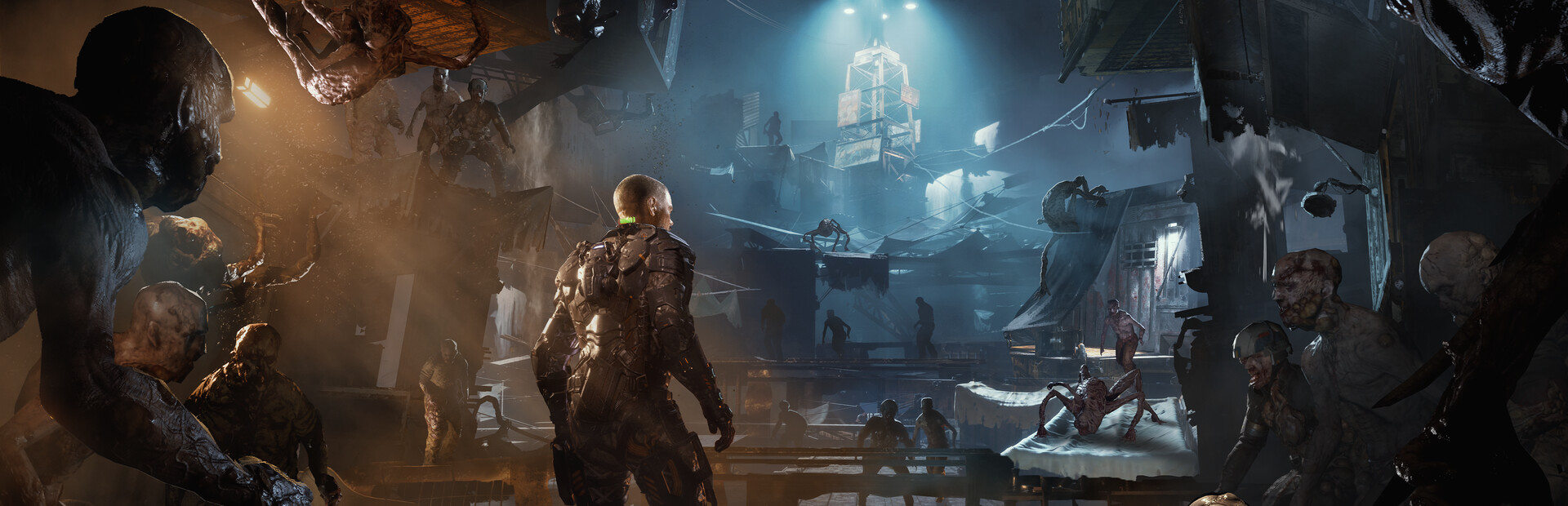

mitch103's UEVR profile
สำหรับ The Callisto Protocol™ · โดย mitch103 · ออกแล้ว 29 Feb 2024
เฟรมเวิร์กหรืออินเจคเตอร์ที่ใช้ซ้ำได้ซึ่งเพิ่มการรองรับ VR ให้กับเกมหนึ่งเกมขึ้นไป โปรไฟล์ชุมชนสำหรับ UEVR ซึ่งเป็นหัวฉีดสากลสำหรับเกม Unreal Engine คุณติดตั้ง UEVR หนึ่งครั้ง จากนั้นโหลดโปรไฟล์นี้เพื่อเล่นเกมนี้ใน VR
หมายเหตุจาก mitch103
- This is a first person POV config - World scale is adjusted to compensate for the change in view point but can be reset or further adjusted in VR/Unreal tab. - I didn't realize before I exported it that the resolution scale is bumped up to like 1.2ish so adjust it accordingly, also some cvars may be different than your current ones so be sure to take note of that, as I had it set on what looked good with my hardware and in-game settings. - I would definitely recommend however: r.DefaultFeature.AntiAliasing be set to 2 and r.Tonemapper.Sharpen be raised to at least 6, if not all the way to 10 - In the camera tab you'll want everything set to 0. The adjustments are made in the UObjectHook/Main tab in the Attached Camera Object directory. - When crawling in vents, the 1 Key (above Q, not numberpad) sets the camera where it needs to be. Then right as you crawl out pull up the uevr menu, hold right trigger, and press x, y, and b one at a time to reset everything. - The health meter is left on and visible but sets a little behind the camera, however you can view it by aiming the gun in front of you and down to see it to check your health and GRP charge. - The crosshair is bound to the in game overlay, and can thus be adjusted around in the VR/Runtime tab @ UI Offset. Also, if you'd like the cross hair to be unattached from your gun and instead follow your headset, check the "UI Follows View" box.
รับได้จาก เว็บไซต์อย่างเป็นทางการ
ฟรี
การดาวน์โหลดเกิดขึ้นบนหน้าของผู้สร้างเอง PCVR Central ไม่เคยโฮสต์ไฟล์ซ้ำ
กำลังติดตั้งโปรไฟล์ UEVR
ทุกชุมชน UEVR โปรไฟล์จะติดตั้งในลักษณะเดียวกัน หากคุณได้ใช้อย่างใดอย่างหนึ่งคุณ ได้ใช้มันทั้งหมดแล้ว
- ติดตั้ง UEVR เอง จาก uevr.io มันฟรีและมัน เป็นโปรแกรมแยกจากโปรไฟล์: โปรไฟล์เป็นเพียงการตั้งค่า
- ดาวน์โหลดโปรไฟล์ จากหน้าผู้สร้างตามลิงก์ด้านบน มันคือ
.zip - เริ่มเกม จากนั้นเปิดส่วนหน้า UEVR และเลือกเกม กระบวนการจากรายการ
- นำเข้าโปรไฟล์ ด้วยตัวเลือกการนำเข้าของส่วนหน้า UEVR เก็บไว้
การตั้งค่าต่อเกมใน
%APPDATA%\UnrealVRMod\<game executable name> - ฉีด เมื่อคุณอยู่ใน VR ให้กด
Insert(หรือL3+R3บนคอนโทรลเลอร์) เพื่อเปิดเมนูในเกมและปรับแต่งสิ่งที่ดูผิดปกติ
หากโปรไฟล์ทำงานผิดปกติ ให้ลบโฟลเดอร์ของเกมนั้นออก
%APPDATA%\UnrealVRMod\ และนำเข้าอีกครั้งตั้งแต่ต้น
คำแนะนำแบบวิดีโอในขั้นตอนเดียวกัน:
รายละเอียดครบถ้วน
- VR การดำเนินการ
- VR กรอบงาน / หัวฉีด
- แพลตฟอร์ม
- พีซีVR
- กรอบ
- UEVR โปรไฟล์
- ราคา
- ฟรี
- การควบคุมการเคลื่อนไหว
- ไม่ทราบ
- 6DOF จุดมุ่งหมาย
- ไม่ทราบ
- ขนาดห้อง
- ไม่ทราบ
- ถนัดซ้าย
- ไม่ทราบ
- ทัศนคติ
- ไม่ทราบ
- VR รันไทม์
- OpenXR & OpenVR
- ชุดหูฟังได้รับการทดสอบแล้ว
- ยังไม่มีรายงาน
- หน้าร้านผ่านการทดสอบแล้ว
- ยังไม่มีรายงาน
- ติดตั้งความยาก
- ง่าย ติดตั้ง
- ความต้องการ
- UEVR (praydog's Unreal Engine VR injector), SteamVR or another OpenXR runtime, UEVR
- เวอร์ชั่นเกมทดสอบแล้ว
- ไม่ทราบ
- ตรวจสอบครั้งล่าสุด
- ไม่เคย
- แหล่งที่มา
- เว็บไซต์อย่างเป็นทางการ
รีวิวนักเตะ
ความคิดเห็นของผู้เล่นแยกจากป้ายคุณภาพด้านบน ป้ายกำกับนั้นคือการอ่านของเราว่าวิธีการทำอะไร นี่เป็นประสบการณ์ของคนอื่นในการใช้งานจริง
พบปัญหาหรือเล่นด้วยตัวเอง?
ความสดใหม่ขึ้นอยู่กับรายงานจากผู้ที่ดำเนินการจริง