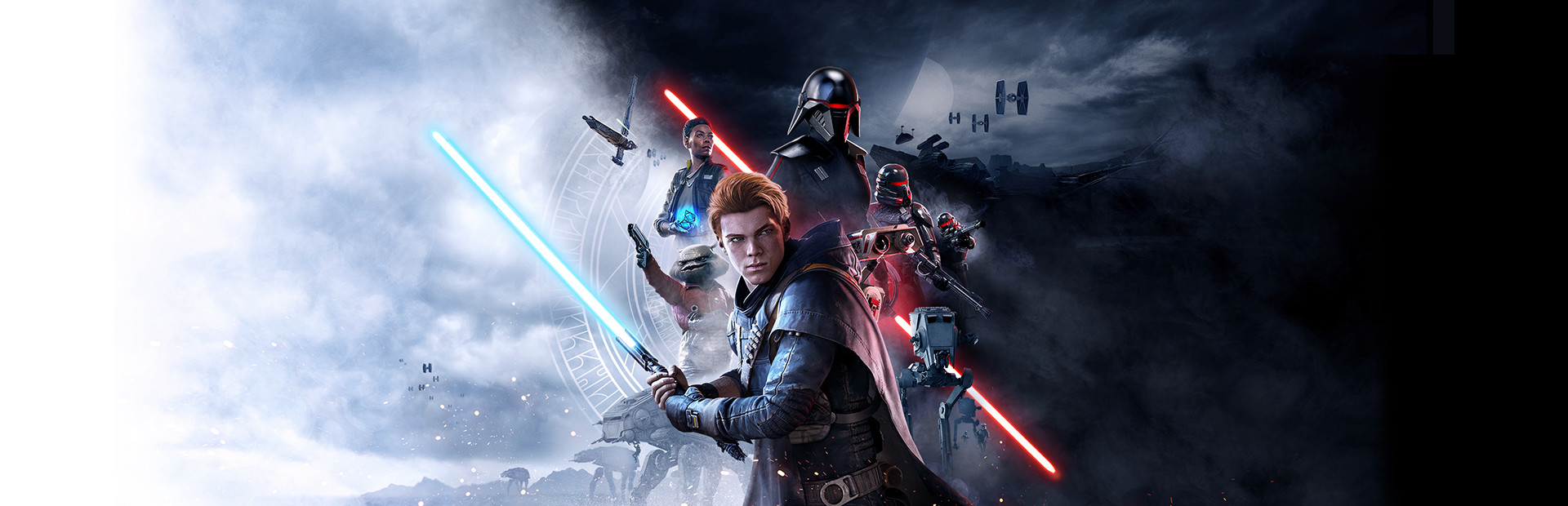
Pande4360's UEVR profile
สำหรับ STAR WARS Jedi: Fallen Order™ · โดย Pande4360 · ออกแล้ว 13 Jan 2026
เฟรมเวิร์กหรืออินเจคเตอร์ที่ใช้ซ้ำได้ซึ่งเพิ่มการรองรับ VR ให้กับเกมหนึ่งเกมขึ้นไป โปรไฟล์ชุมชนสำหรับ UEVR ซึ่งเป็นหัวฉีดสากลสำหรับเกม Unreal Engine คุณติดตั้ง UEVR หนึ่งครั้ง จากนั้นโหลดโปรไฟล์นี้เพื่อเล่นเกมนี้ใน VR
หมายเหตุจาก Pande4360
Release V1.04 beta Finished main story (no gameplay plus tested) and some sidequests Beta feature: - Decreased collision size of your own body when saber is ON (experimental) Latest Changes: - Fixed collision changes affecting size of blade Install: - Import profile and play - Disable motion blur in settings - Equip poncho for better cutscenes - You might wanna install perf mod on Nexus for better performance if needed Known issues and workarounds: - If you face a tutorial prompt controls will revert to default uevr scheme, press the corresponding things as described to proceed - he train level at start: - A lot of tutorials so prepare to switch a lot to basic controls or play it flat. - Wagon with 2 troopers before the Locktarget tutorial: Order: Enter with sword off, finish lock tutorial-> block-> perfect block-> perfect block and counter-> slow - After dago 1st time temple your Lightsaber breaks officially, dont use it till you fix it. blocking wont work despite having it - Endboss on dagothmir probably needs to be finished with a force push for now Status: - Advanced collision based 6d0f Melee combat Saber throw, Gesture based force control Single, dual, Twin saber styles VR optimized special moves and button layout - 1st Person Camera and controls - Visible hands with some poses - Lightsaber Holster Combat System: - Movement: Rstick up and down for jump and dodge - DPAD: can be configured in uevr/Input - Collision Combat: - Collision based Attacks: Hit stuff with lightsaber to damage it, the harder you swing the more damage you cause Damage is amplified further if you use 2 handed Grip There´s a minimum speed requirement Attack can damage one enemy per swing - Collision based Blocking: Stagger enemies by at least slightly damaging enemies Block enemy melee weapons by touching their weapon with the lightsaber during their attack animation Deflect Blasters with lightsaber There´s a minimum speed requiremnt for blocking melee attacks(low in comparison to attack), but means you need to take more risk to meet their attacks Lightsaber Combat abilities: - B Button+ Right Hand forward: Leap - Basic enemies can be executed with B Button or below method - Y Button + Swing: triggers Xbox X button(e.g. execute or prompts or basic attack) - During Jump Swing Left Hand Down for Smash attack(needs to be unlocked) - Swing Down after back dodge for kick(needs to be unlocked) - 2 handed single blade deals much more damage per hit - Both hands up will do a flip behind enemy - After leap/flip x1.5 damage within 1.5seconds on next hit Other Lightsaber VR stuff: - Hold A button to turn off 2 lightsabers - Change Grip with Grip button - Turn on Off with A button - Hold left Grip for 2 handed - Switch Twin/DualSaber: Hold Both Grip close to each other Force Powers: - Force Push: Trigger+ forward motion, - Force Strong Push: (Hold Trigger) + B Button + forward motion - Force Pull: LeftTrigger - Force Strong Pull: Hold LeftTrigger - Force Slow: Trigger+ side swipe motion - Force Strong Slow: (Hold Trigger + B Button + Side Swipe Motion - Force Lightsaber Throw: Trigger+ Grip + Swing Holster: - Sheathe: Hold R Grip near Right Hip(when vibrating) for 1 second - Unsheathe: Hold R Grip near Right Hip(when vibrating) and pull a little Prompts: - B Button: Xbox-XButton - X Button or RStick Down: Xbox-BButton ScriptUI Settings, UEVR Menu/ScriptUI: - Headbased movement: Forward Vector is head - Desktop View During Cutscenes (also grants Full vision in VR, but you see all the ugly unrendered stuff), also fixes double vision - Haptic Feedback for Holster On/Off - Doublevisio Fix: if you have doublevision in cutscenes(Desktop view may also fix this) - Swap A and B, Y and X buttons on vr controllers - Min block speed: minimum speed of hand to trigger melee blocks - Min Attack Speed: minimum speed of hand to trigger attacks - Projectile speed of normal blasters, default 10000
รับได้จาก เว็บไซต์อย่างเป็นทางการ
ฟรี
การดาวน์โหลดเกิดขึ้นบนหน้าของผู้สร้างเอง PCVR Central ไม่เคยโฮสต์ไฟล์ซ้ำ
กำลังติดตั้งโปรไฟล์ UEVR
ทุกชุมชน UEVR โปรไฟล์จะติดตั้งในลักษณะเดียวกัน หากคุณได้ใช้อย่างใดอย่างหนึ่งคุณ ได้ใช้มันทั้งหมดแล้ว
- ติดตั้ง UEVR เอง จาก uevr.io มันฟรีและมัน เป็นโปรแกรมแยกจากโปรไฟล์: โปรไฟล์เป็นเพียงการตั้งค่า
- ดาวน์โหลดโปรไฟล์ จากหน้าผู้สร้างตามลิงก์ด้านบน มันคือ
.zip - เริ่มเกม จากนั้นเปิดส่วนหน้า UEVR และเลือกเกม กระบวนการจากรายการ
- นำเข้าโปรไฟล์ ด้วยตัวเลือกการนำเข้าของส่วนหน้า UEVR เก็บไว้
การตั้งค่าต่อเกมใน
%APPDATA%\UnrealVRMod\<game executable name> - ฉีด เมื่อคุณอยู่ใน VR ให้กด
Insert(หรือL3+R3บนคอนโทรลเลอร์) เพื่อเปิดเมนูในเกมและปรับแต่งสิ่งที่ดูผิดปกติ
หากโปรไฟล์ทำงานผิดปกติ ให้ลบโฟลเดอร์ของเกมนั้นออก
%APPDATA%\UnrealVRMod\ และนำเข้าอีกครั้งตั้งแต่ต้น
คำแนะนำแบบวิดีโอในขั้นตอนเดียวกัน:
บันทึกการตั้งค่า
Author lists known issues, including control reverting at tutorial prompts and lightsaber breakage after Dago.
รายละเอียดครบถ้วน
- VR การดำเนินการ
- VR กรอบงาน / หัวฉีด
- แพลตฟอร์ม
- พีซีVR
- กรอบ
- UEVR โปรไฟล์
- ราคา
- ฟรี
- การควบคุมการเคลื่อนไหว
- ควบคุมการเคลื่อนไหวเต็มรูปแบบ
- 6DOF จุดมุ่งหมาย
- ใช่
- ขนาดห้อง
- ไม่ทราบ
- ถนัดซ้าย
- ไม่ทราบ
- ทัศนคติ
- ไม่ทราบ
- VR รันไทม์
- OpenXR & OpenVR
- ชุดหูฟังได้รับการทดสอบแล้ว
- ยังไม่มีรายงาน
- หน้าร้านผ่านการทดสอบแล้ว
- ยังไม่มีรายงาน
- ติดตั้งความยาก
- ง่าย ติดตั้ง
- ความต้องการ
- UEVR (praydog's Unreal Engine VR injector), SteamVR or another OpenXR runtime
- เวอร์ชั่นเกมทดสอบแล้ว
- ไม่ทราบ
- ตรวจสอบครั้งล่าสุด
- ไม่เคย
- แหล่งที่มา
- เว็บไซต์อย่างเป็นทางการ
- GitHub repo
- Pande4360/JediFallenOrderVR
- เวอร์ชันล่าสุดที่รู้จัก
- 1.0
รีวิวนักเตะ
ความคิดเห็นของผู้เล่นแยกจากป้ายคุณภาพด้านบน ป้ายกำกับนั้นคือการอ่านของเราว่าวิธีการทำอะไร นี่เป็นประสบการณ์ของคนอื่นในการใช้งานจริง
พบปัญหาหรือเล่นด้วยตัวเอง?
ความสดใหม่ขึ้นอยู่กับรายงานจากผู้ที่ดำเนินการจริง