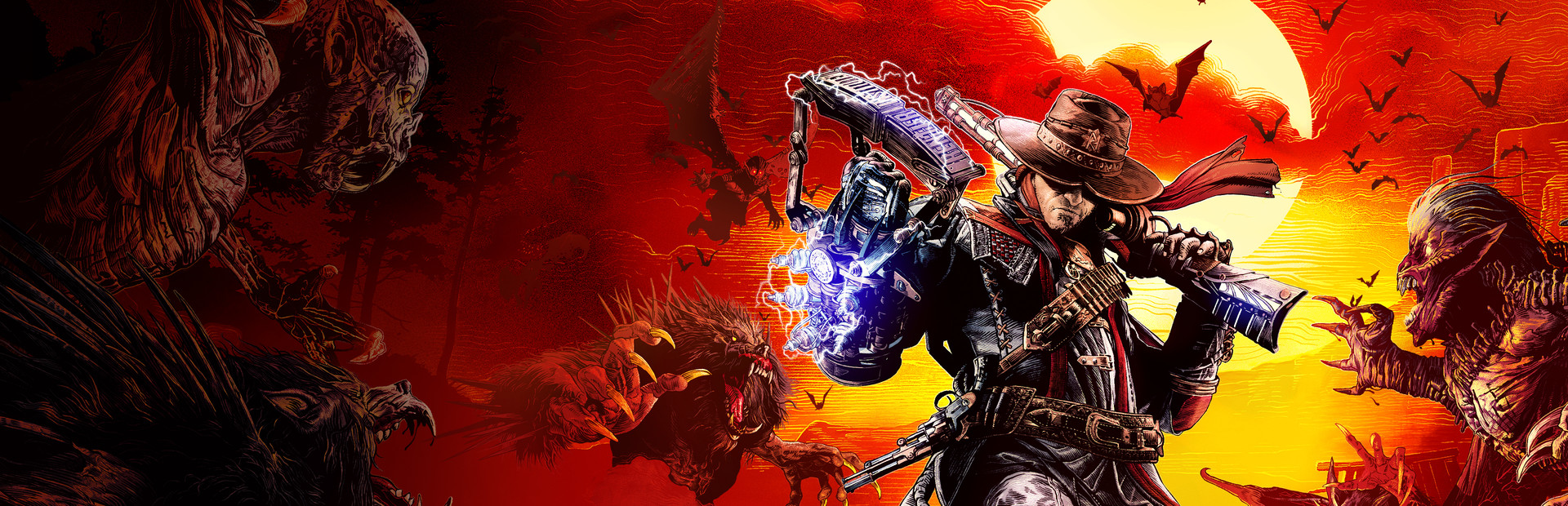
chapeka's UEVR profile
per {gioco} · di {autore} · rilasciato il {data}
Un framework o iniettore riutilizzabile che aggiunge il supporto VR a uno o più giochi. Un profilo della community per UEVR, l'iniettore universale per i giochi Unreal Engine. Installa UEVR una volta, quindi carica questo profilo per giocare a questo gioco in VR.
Note da {autore}
3rd person but with the UI adjusted so that you can aim properly. The resolution slider is a bit high for those without a 4090. - Make sure you disable all aim assist stuff in the game menu. - Turn off all post processing, effects and motion blur. The effects and post processing get rid of all that fog. There's a couple issues: For some reason after loading the preset into the game and starting the game up, it won't switch to my first person 6DOF settings until you bring up the UEVR menu. Once you bring it up and click through the menu a bit, it will go into First Person 6DOF mode upon exit. So strange. Also, I found the revolver in children and attached it to the right hand, but even after saving the state, it doesn't seem to stick with the preset. Each time I load it up, I have to go back in and re-attach it. The same isn't said for the right arm (zapper) and left arm (gauntlet). Those have stayed attached with the save. Another thing is that forward movement often stalls out and character get stuck. Moving the right thumbstick in a different direction changes "un-sticks" the player, so being stuck is never permanent. But it means you're always kind of having to move slightly side to side while you're walking. Funny "TOY" Mod.
Ottienilo da {fonte}
Gratuito
I download avvengono sulla pagina del creatore. PCVR Central non ospita mai nuovamente i file.
Installazione di un profilo UEVR
Ogni profilo UEVR della community viene installato allo stesso modo. Se ne hai usato uno, tu li ho usati tutti.
- Installa UEVR stesso da uevr.io. È gratuito, ed è così è un programma separato dal profilo: il profilo contiene solo le impostazioni.
- Scarica il profilo dalla pagina del creatore collegata sopra. È un
.zip. - Avvia il gioco, quindi apri il frontend UEVR e seleziona il gioco processo dall'elenco.
- Importa il profilo con l'opzione di importazione del frontend. UEVR continua
impostazioni per gioco in
%APPDATA%\UnrealVRMod\<game executable name>. - Inietta. Una volta in VR, premi
Insert(oL3+R3su un controller) per aprire il menu di gioco e modificare tutto ciò che sembra sbagliato.
Se un profilo si comporta male, elimina la cartella del gioco in
%APPDATA%\UnrealVRMod\ e importarlo di nuovo da zero.
Video tutorial con gli stessi passaggi:
Dettagli completi
- VR implementazione
- VR Quadro/Iniettore
- Piattaforme
- PCVR
- Struttura
- UEVR profilo
- Prezzo
- Gratuito
- Controlli di movimento
- Sconosciuto
- 6DOF mira
- SÌ
- Roomscale
- Sconosciuto
- Mancino
- Sconosciuto
- Prospettiva
- Sconosciuto
- VR tempo di esecuzione
- OpenXR e OpenVR
- Cuffie testate
- Nessuno ancora segnalato
- Vetrine testate
- Nessuno ancora segnalato
- Difficoltà di installazione
- {difficoltà} installazione
- Requisiti
- UEVR (praydog's Unreal Engine VR injector), SteamVR or another OpenXR runtime
- Versione del gioco testata
- Sconosciuto
- Ultimo verificato
- Mai
- Fonte
- il sito ufficiale
Recensioni dei giocatori
Opinione del giocatore, separata dall'etichetta di qualità di cui sopra. Quell'etichetta è la nostra lettura di ciò che fa un metodo; queste sono le esperienze di altre persone che lo gestiscono effettivamente.
Hai notato un problema o hai giocato tu stesso?
La freschezza dipende dai resoconti delle persone che lo hanno effettivamente gestito.